
Start here
Use Android hardware first
If you only want to confirm that the APK works, test on Android phone, Android tablet, Android TV, or Google TV before trying more complex living-room routes.
Support + setup answers
Use this page when you need the short answer first: which devices match the APK route, when a TV needs extra hardware, and what to check before you try another fix.
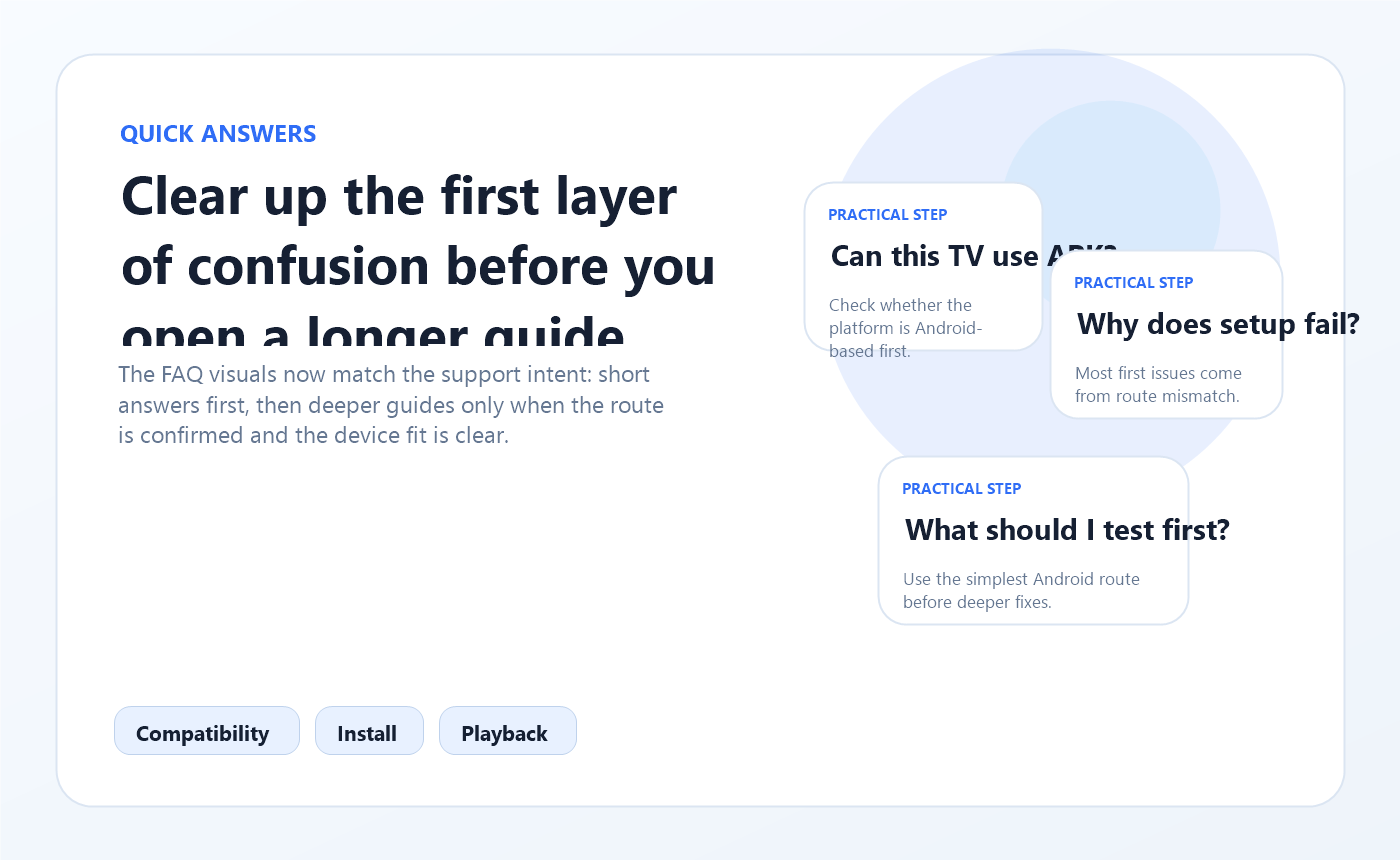
This page is designed to remove the first layer of confusion before you commit to one install path.
Quick answers
Most setup mistakes happen before installation begins: wrong device, wrong route, or wrong expectation about what a TV platform can do directly.
If you only want to confirm that the APK works, test on Android phone, Android tablet, Android TV, or Google TV before trying more complex living-room routes.
Samsung Tizen and LG webOS usually need an external Android-compatible device. Android TV and Google TV can usually follow the direct path.
Most install and playback problems come from a mismatched package, low free space, or unstable Wi-Fi rather than one hidden setting.
Most common questions
If you need a quick yes-or-no answer, scan the list below before opening more detailed tutorials.
Android phones, Android tablets, Android TV, Google TV, TV Boxes, and Fire TV Stick are the easiest starting points because they already fit the APK-based install flow.
Not usually. Samsung Tizen and LG webOS televisions often need an external Android-compatible device such as a TV Box, Google TV dongle, or Fire TV Stick.
An Android phone or tablet is usually the quickest test environment because you can download the APK directly, approve the installer, and confirm basic playback before moving to a TV.
The most common reasons are blocked unknown-source permissions, low storage, a damaged download, or a package that does not match the device you are using.
The goal is similar, but the install route often changes. Fire TV Stick users usually rely on Downloader or file transfer, while Android TV and Google TV devices may use a browser or file manager directly.
PC access is usually done through an Android emulator such as BlueStacks or LDPlayer. That gives you a mobile-like environment on a desktop when you need it.
That gives you the fastest clean install and confirms the package works before you move to TV hardware.
If the screen itself is not Android-based, forcing the direct route usually creates more confusion than progress.